I have run a mixed table exactly once. It was years ago, long before the advances in Foundry VTT version 14, and the results were, let’s say, debatable. Everyone was around the table in person except one friend, who joined online. I quickly learned that running a game for both is a different job from running it for either.
Here is what went wrong, what I did about it, and what I would do differently now.
Props are the first thing to leave the remote player behind
Most of my props were physical, and that was a problem. It was hard to show them to our online player, and that made it harder to keep him engaged with the story.
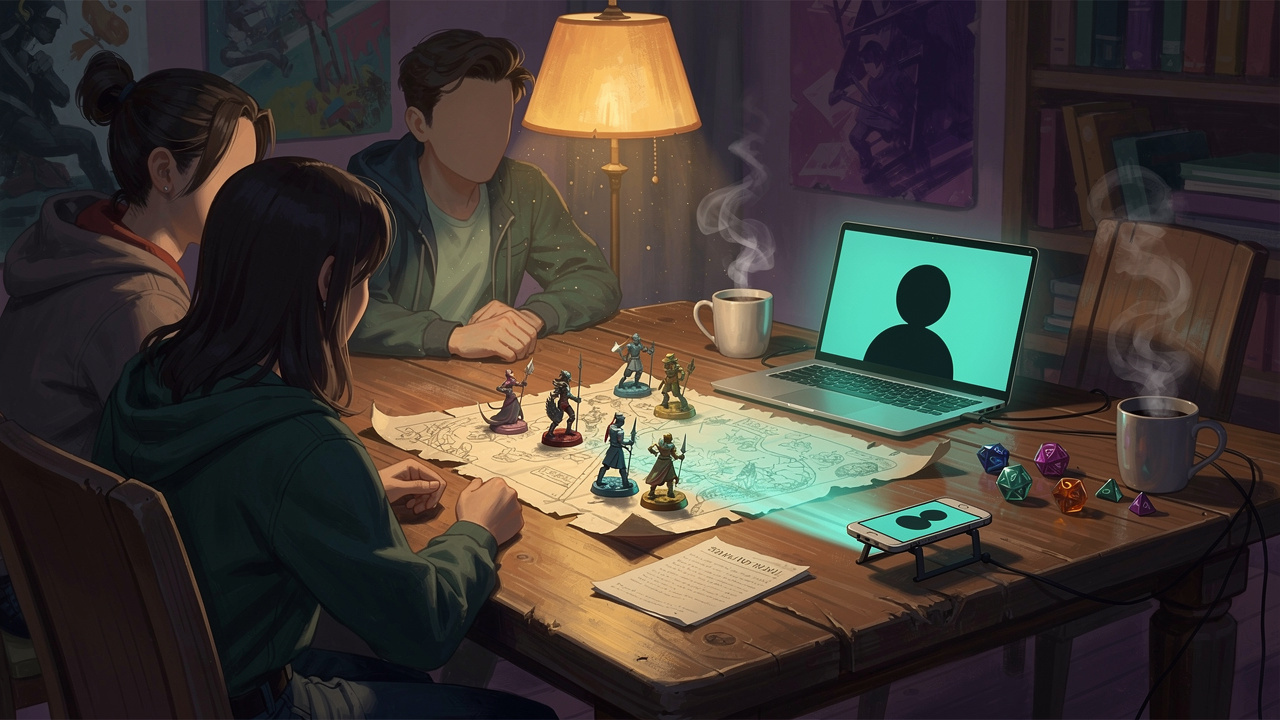
We did what we could. I didn’t have a big screen for the map, so one of us would point a phone at the physical map on the table and move it around to show him what was happening. He had a mini on the map too, and I moved it for him. He would tell me he wanted to move forward, or go to that monster and attack it, and I would do it.
It worked, just about. But if you are running your first mixed session, here is the simple fix. If you make a physical handout, make a digital version of it as well, and have it ready to send to your online players at the same moment. If you are going to show a picture, have the picture file ready to share. It keeps them involved and connected to the game.
You can’t read someone you can’t see
We had no video, and that turned out to matter more than I expected. As the GM, I couldn’t tell whether he had something to say. He also wasn’t completely comfortable talking over everyone else around the table, which made it harder for him to jump in. Since he’d never had that problem when playing around the table with us, I didn’t realise this was an issue until halfway through the session.
The audio was fairly good that day, so that wasn’t the problem. What I did was ask him directly, as often as I could, whether he had anything to add or any ideas for how to develop the plans we were building.
Next time, bandwidth and signals willing, I would set up a video link, because then you can read their body language and see when someone wants to speak. Foundry VTT doesn’t have a raise hand feature built in, but depending on the video meeting service you choose, it may have one, or another way to get the GM’s attention. Whatever you use, agree it at the start, so a quieter player has a way to jump in without having to talk over everyone.
Dice: trust worked, but only because he was a friend
Everyone rolled their own dice. The people at the table rolled theirs, and our online player rolled his at home and told us the result. Whatever he said he rolled, we went with. We had no real way to check. I suppose we could have asked for a photo on Discord, but that would have slowed the game down a lot, so we left it.
Among friends, that’s fine. It isn’t always going to be, and it still leaves the online player as the one person whose rolls nobody can see.
That is one of the gaps we are building Dice Link to close. Your own physical dice are read as they land, and the result goes to your virtual tabletop, so everyone sees the same roll without anyone needing to take a photo. We have a working prototype and we are still building, so I won’t promise dates, but that feeling of everyone watching the same roll is the one we are after.
Remember who isn’t at the table
This one is for the in-person players. Remind them, at the start and now and then during the game, that not everyone is around the table. It takes a little education, and it makes a real difference.
I don’t think the GM should give a remote player an edge. We all play the same game by the same rules, with the same dice and the same say. Remote players don’t need an advantage. They need the same chance to take part.
What I would like to build one day
Looking back, what I wanted was a proper hybrid table. People would have their own actual minis on the tabletop, and when you move your mini, it moves on the virtual tabletop for everyone else too. It would work like the digital tokens you get on Roll20 or Foundry VTT, except the mini in your hand is the real one. That’s on the Realm Bridge wish list, not a promise.
I am building
If it’s your first mixed session
- Make a digital version of every physical handout, and have your pictures ready to share.
- Give your online players a way to speak up, whether that is video, a raise hand feature or another way to get your attention.
- Remind the people in the room that someone isn’t there.
Have you run a mixed table? I would love to hear what worked and what didn’t.
If you would like to see real dice rolling live onto a digital table, join the Dice Link mailing list and we will let you know as the beta gets closer: https://realmbridge.co.uk/dice-link/
If you have something to add to this, come along and join the conversation over on Discord.