Before you spend money on a virtual tabletop, it’s natural to wonder whether your computer will cope. So let’s start with the reassuring bit: you probably need less than you think.
I started running paid games on a laptop that was easily 15 years old at the time. It was slow, it was very old, and it worked. These days my “production machine”, as I call it, is a basic gaming PC with 16GB of RAM and an 8GB dedicated graphics card. It was built to be cheap, not impressive, and it runs my campaigns without fuss. You don’t need top of the range. You need something semi-decent, and you need to know where the trouble usually comes from.
Choppy and laggy are two different problems
“My computer can’t handle it” gets used for two separate things. Choppy means the map judders when you pan around or drag a token. That is mostly down to the device of the person looking at it, because each player’s own computer draws the map for them. Laggy means waiting: a scene takes ages to load, or a token moves a few seconds after somebody dragged it. That is more about the connection and wherever the game is hosted.
Knowing which one you have tells you what to fix. If only you see the stutter, it’s probably your device. If everyone sees it, look at the scene or the host.
On hosting: I don’t run games from my own computer, because my internet provider won’t let me, so I use a hosting service instead. I rarely have any issues with it, and when there is a sticky moment it’s usually sorted quickly. If you can’t host from home either, that route is worth knowing about.
Try it as a player first
If you have a friend who already runs games on a virtual tabletop, ask if you can join a session on the device you would normally use. Watch it in the busy moments, not only when nothing is happening. A fight with lots of tokens, lights and effects is the real test, and it tells you far more than a quiet scene ever will.
It’s usually the scene, not the machine
When my games start to struggle, it’s almost never the computer on its own. It’s me. I’ve built too big a scene, packed too many traps into it, or set off too many animations at the same time. That’s where machines start to run into trouble, mine and my players’ alike.
Interestingly, I’ve never had a problem with the number of walls in a scene. Lots of lights, on the other hand, can sometimes tip things over. So if a map is crawling, look at the size of the scene, the lighting and anything animated before you blame your hardware.
Turn it down for the heavy maps
Foundry has settings that make life easier for a struggling device. You can cap the frame rate, and you can tell it you don’t need high performance and drop it to medium or low. These are per user, so each player can adjust their own without changing anything for anyone else.
For a frame of reference, I cap mine at 40 frames per second. I believe it goes up to 60, but I honestly can’t see the difference. I also keep performance on medium rather than high. Again, I can’t tell the difference, but my computer probably can.
That makes the fix simple. If a map runs really badly, I just ask everyone to lower their settings while we’re on that map, then put them back afterwards. My players use all sorts of devices, including some fairly old ones, and this keeps everyone in the game.
Keep an eye on your modules
Modules are one of the best things about Foundry, and they can also be a source of trouble. I keep two separate sets: one for building maps and one for actual play. Each has around 50 to 60 modules running, and that works fine for me, because I’m not loading my map-making tools during a session.
The problems usually start when a module stops being updated and begins throwing errors. Then it’s a case of finding out which one has broken, removing it, and making sure any data it left behind is cleared out too. That leftover data can cause problems of its own, so don’t skip that step.
If you are buying or upgrading hardware
The one hardware tip I’d give: a dedicated graphics card helps. Foundry will run on integrated graphics, but it makes things harder, particularly if you start building maps inside Foundry. Even a lower-end dedicated card is probably a good investment.
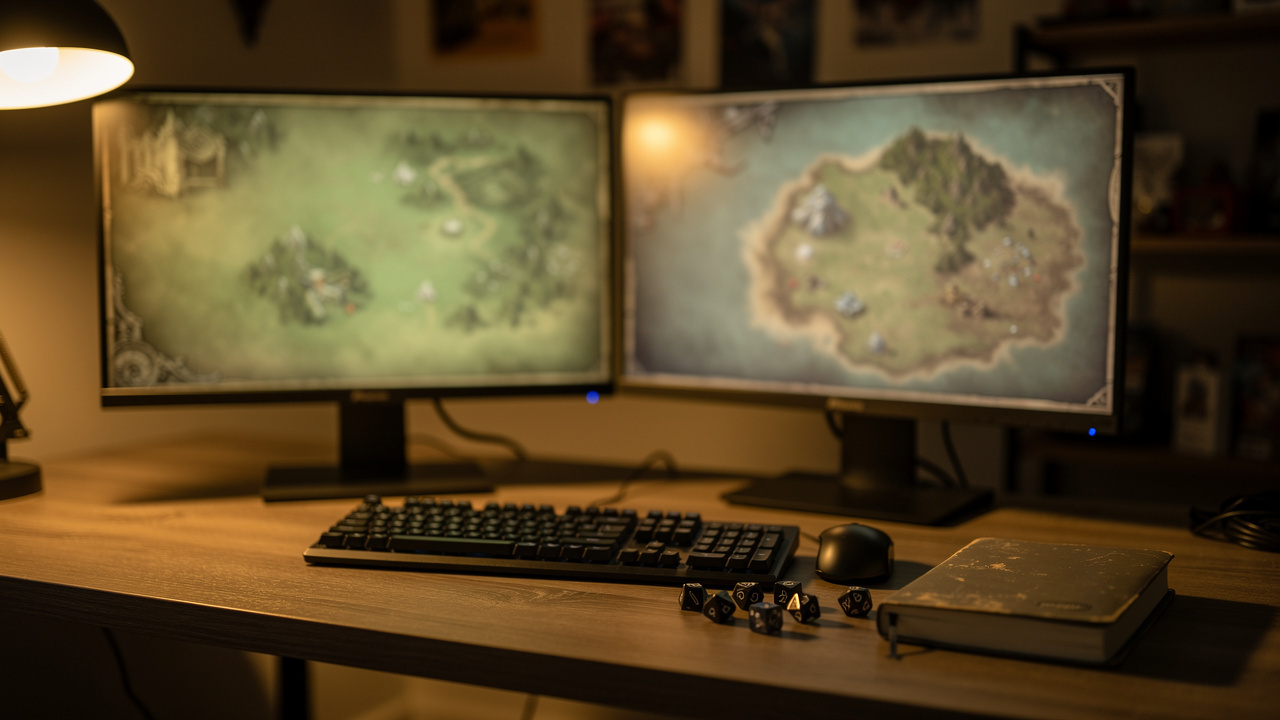
The funny thing is that the biggest improvement I’d recommend has nothing to do with the machine. Get at least two screens. It makes running a game so much easier when your notes, your map and your chat aren’t all fighting for the same space.
Where real dice and a phone fit in
Players need far less than the GM. A browser, their character sheet and the map is plenty, so a modest laptop is fine for most tables.
At an in-person table you could go lighter still. Players could use Foundry’s character sheet on a phone or tablet, a bit like using the D&D Beyond character sheet, while one main display shows the map for everyone. There are a few modules out now that make Foundry’s character sheet much easier to use on a mobile device. Some of them are premium modules you pay for, so have a look around and see which suits your table. Foundry also has a setting that turns the game canvas off on a device, so a player’s phone doesn’t have to draw the map at all. I haven’t tried this set-up myself, but I can see it working well.
And if you roll real dice, the exciting part happens on the table in front of you, not on your graphics card. That’s one of the quiet advantages of mixing physical and digital play: the heavy lifting stays in the room.
A quick checklist before you spend
- Ask to join a friend’s game as a player on your usual device, and watch a busy fight.
- Work out whether it’s choppy (drawing) or laggy (waiting), and who sees it.
- Check whether you can host from home, or whether a hosting service makes more sense.
- Keep scenes, lights, traps and animations sensible, especially on big maps.
- Learn where the per-user frame rate and performance settings are, so players can turn them down when needed.
- Add modules a few at a time, and clear out the data of any you remove.
- If you’re buying hardware, favour a dedicated graphics card and a second screen.
What’s the oldest or weakest machine you’ve ever run a virtual tabletop on? Mine was that 15-year-old laptop, and it carried me further than I expected. Tell me yours in the comments.
If you have something to add to this, come along and join the conversation over on Discord.